
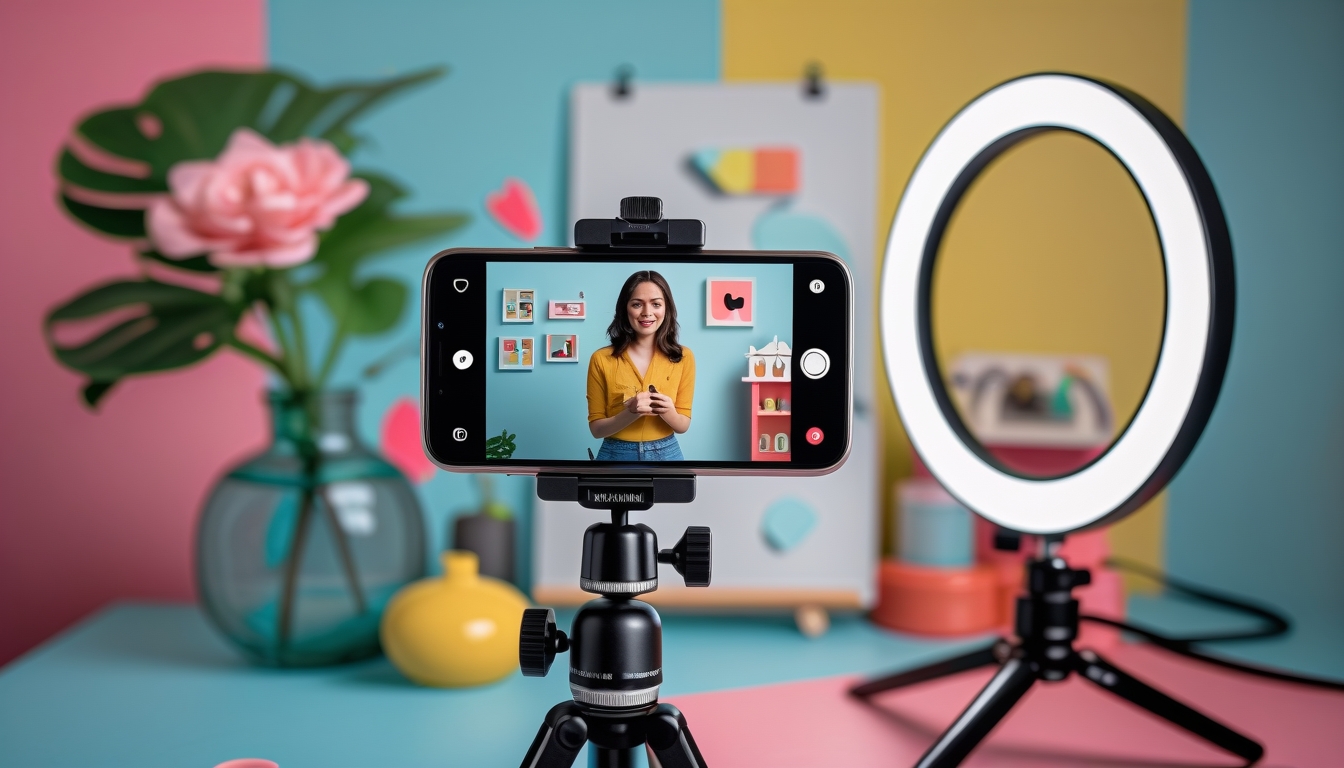
Video content consistently outperforms every other format on social media, yet many Australian businesses hesitate to invest in it because they believe it requires expensive equipment, professional editors, and a dedicated production team. The reality is quite different. Some of the most engaging social media videos are created with nothing more than a smartphone, natural lighting, and a clear idea. Here is how to create video content that performs, regardless of your budget.
Understanding What Makes Social Media Video Work
Before diving into production techniques, it helps to understand why certain videos succeed on social media while others are ignored. The most important factor is not production quality. It is the hook. The first three seconds of your video determine whether someone keeps watching or scrolls past. A strong hook might be a surprising statement, a visual that creates curiosity, a question that resonates with your audience, or a bold claim followed by evidence.
Beyond the hook, successful social media videos share several characteristics. They deliver value quickly without unnecessary preamble. They are designed for sound-off viewing with captions or text overlays. They have a clear structure that keeps viewers engaged through to the end. And they feel authentic rather than scripted, even when they are carefully planned.
Essential Equipment That Does Not Break the Bank
Your smartphone is your most powerful video production tool. Modern iPhones and Android devices shoot in 4K resolution with image stabilisation that rivals professional equipment from a few years ago. You do not need to upgrade your phone specifically for video creation. Any smartphone from the last three or four years will produce video quality that is more than adequate for social media.
The one investment worth making is in audio quality. Poor audio is the fastest way to lose viewers. A basic lapel microphone that plugs into your smartphone costs between thirty and sixty Australian dollars and dramatically improves the sound quality of talking-head videos. For general ambient recording, even the built-in microphone is acceptable if you are in a quiet environment.
Lighting makes a significant difference and costs nothing if you use natural light. Position yourself facing a window for soft, flattering light. Avoid overhead fluorescent lighting, which creates unflattering shadows. If you need to shoot in the evening or in windowless spaces, a simple ring light or LED panel costs between forty and one hundred dollars and will serve you well.
A basic tripod or phone mount costs around twenty to forty dollars and eliminates shaky footage. For dynamic shots, simply walking steadily with your phone held at chest height can produce smooth, professional-looking movement thanks to your phone's built-in stabilisation.
Five Video Formats That Work for Any Business
Behind-the-Scenes Content
Take your audience behind the curtain. Show how your product is made, how your team prepares for a busy day, or what a typical project looks like from start to finish. This type of content humanises your brand and satisfies the natural curiosity people have about how businesses operate. It requires minimal planning and no special effects.
Quick Tips and How-To Videos
Share your expertise in bite-sized videos. A cafe owner might show how to make the perfect flat white at home. An accountant might explain a common tax deduction that small business owners miss. A fitness trainer might demonstrate a two-minute stretching routine for desk workers. These videos position your brand as knowledgeable and generous with its expertise.
Customer Stories and Testimonials
Ask satisfied customers if they would be willing to share a brief video about their experience with your business. These do not need to be formal interviews. A casual, sixty-second video where a customer talks about the problem they had, how your business helped, and the result they achieved is incredibly powerful. User-generated content of this kind carries more credibility than anything you could produce yourself.
Day in the Life
Show what a typical day looks like at your business. This format works particularly well as a series, following different team members or showcasing different aspects of your operation. It gives potential customers a sense of your culture, your attention to detail, and the people they would be working with.
Responding to Common Questions
Compile the questions you receive most frequently from customers and create short video answers for each one. This serves double duty: it creates engaging content and reduces the time you spend answering the same questions repeatedly. Film a batch of ten to fifteen responses in a single session and you have weeks of content ready to post.
Editing on a Budget
You do not need Adobe Premiere or Final Cut Pro to edit social media videos. CapCut is free, works on both mobile and desktop, and offers every feature you need for social media video editing including text overlays, transitions, speed adjustments, and auto-captions. InShot is another excellent free option for mobile editing.
Keep your editing simple. Cut out long pauses and filler words. Add captions for accessibility and sound-off viewing. Use text overlays to highlight key points. Include a brief logo or brand element at the end. Resist the temptation to add excessive effects, transitions, or music that distracts from your message.
Planning Your Video Content
Batch filming is the most efficient approach to video content creation. Set aside two to three hours once a fortnight to film multiple videos in a single session. Plan your topics in advance, prepare brief outlines rather than full scripts, and aim to film between five and ten videos per session. This gives you a steady stream of content without the daily pressure of creating something new.
Create a simple content calendar that maps out your video topics for the month ahead. Align your video content with your broader marketing objectives. If you are launching a new service, plan a series of videos that educate your audience about the problem it solves. If you are trying to build brand awareness, focus on entertaining or educational content that showcases your expertise.
Measuring Video Performance
Track these metrics for your social media videos: watch time and average view duration, which tell you whether your content holds attention; engagement rate, which measures likes, comments, shares, and saves relative to views; click-through rate for videos that include a call to action; and follower growth attributable to video content.
Pay particular attention to the audience retention graph, which most platforms provide for video content. This graph shows you exactly where viewers drop off, helping you identify what works and what does not in your videos. If you consistently see viewers dropping off after the first five seconds, your hooks need work. If they leave before the end, your videos may be too long or lose momentum in the middle.
Getting Started Today
The best approach to video content is to start now and improve as you go. Your first videos will not be your best, and that is perfectly fine. What matters is building the habit of creating and publishing video content consistently. Over time, you will develop an instinct for what works with your specific audience, your production skills will improve naturally, and your comfort on camera will increase.
Pick one of the five formats described above, film a video today using just your smartphone, edit it with a free app, and post it. The barrier to entry is lower than you think, and the potential return makes video content one of the highest-value activities you can invest your time in.
Need help developing a video content strategy for your brand?
Book a Free Strategy Call